WhatsApp Restaurant Reservations: Deposit First
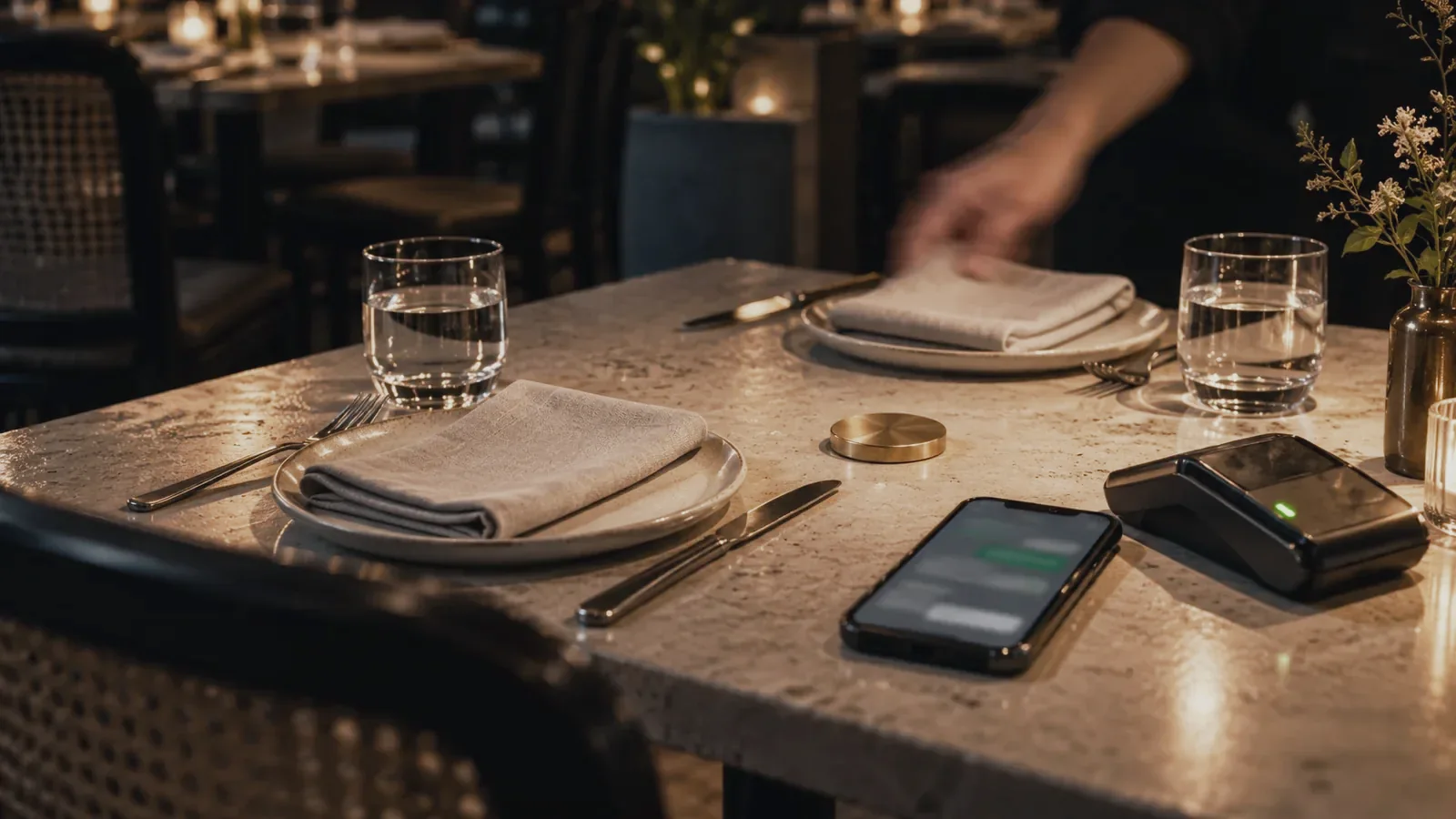
WhatsApp restaurant reservations can be automated from the first request to a paid confirmation: collect the date, service, party size and seating needs, check one live table book, hold the table, send a deposit link, and confirm only after the payment provider reports success. The key rule is simple: a polite reply is not a reservation; the table and payment records must agree.
Key takeaways
- Confirm after payment, not before: Keep the table on a temporary hold while the guest pays. Write the final reservation only when the payment status is successful.
- Use one source of truth: Phone bookings, walk-ins, website bookings and WhatsApp must change the same table inventory, or the agent can sell a table that staff already promised.
- Make restaurant rules explicit: Service windows, turn times, table combinations, deposit eligibility, grace periods and cancellation treatment must be data the workflow can apply.
- Hand judgement to a person: Large parties, accessibility needs, allergy questions, private events, deposit disputes and exceptions should reach a host with the conversation and evidence attached.
How do WhatsApp restaurant reservations work?
A dependable restaurant reservation finishes the whole job in one conversation; these are the numbered steps to automate.
| Step | What the guest sees | What the workflow does | Human control |
|---|---|---|---|
| 1. Capture the request | The agent asks for date, service, party size, name, contact and essential seating needs. | It validates required fields and keeps one reservation reference. | A host takes over if the request is unclear or outside policy. |
| 2. Check inventory | The guest receives only genuinely available choices. | It reads the live table book, dining duration, blocked tables and combination rules. | Staff control blocks, walk-ins and manual bookings in the same inventory. |
| 3. Hold the table | The chosen option is shown as held, not confirmed. | It creates a time-limited hold tied to the reservation reference. | A host can release or extend an exceptional hold. |
| 4. Request the deposit | The guest receives the amount, deadline, cancellation terms and a secure payment link. | It creates or selects the correct deposit request and records its payment reference. | Staff approve discounts, waivers and unusual deposit terms. |
| 5. Verify payment | The chat waits without asking for card details or treating a screenshot as final proof. | It listens for the payment provider status and matches the reference and amount. | A payment mismatch or dispute goes to staff. |
| 6. Confirm once | The guest receives the final date, time, party size, venue, deposit treatment and change route. | It rechecks the hold, writes one confirmed reservation and prevents a retry from duplicating it. | The host can see the chat, payment status and table record. |
| 7. Manage changes | The guest can request a change or cancellation in the same thread. | The workflow applies the restaurant policy, releases inventory and records the outcome. | Late, disputed or policy-exception cases stop for a decision. |
What must be connected before you automate?
Start with the table book, not the chatbot. Availability needs to reflect every place a table can disappear: the host stand, phone, website, events team and walk-ins. If the restaurant runs on a booking platform, integrate with its supported availability and reservation functions. If it uses Google Calendar or a structured table sheet, define capacity and collision rules around that record so the agent never improvises. Meta’s official WhatsApp Business Platform collection says its APIs send and receive messages to a business’s own systems, while WhatsApp Flows supports structured interactions such as appointment booking; the table book and payment provider still decide whether the restaurant job is complete.
Google documents that its Calendar API can create events with `events.insert()` and lets the caller provide an event ID; Google says that a caller-supplied ID helps keep a local record in sync and prevents duplicate event creation after a failed request. The same idempotency principle belongs in any table-book integration: one reservation reference should produce at most one hold, one payment request and one confirmation.
The payment provider is a separate source of truth. Stripe says its Singapore Payment Links can be shared across channels and generated programmatically. Do not ask guests to type card details into WhatsApp, and do not make staff judge screenshots when the provider can report the transaction status directly.
How should the deposit control the table?
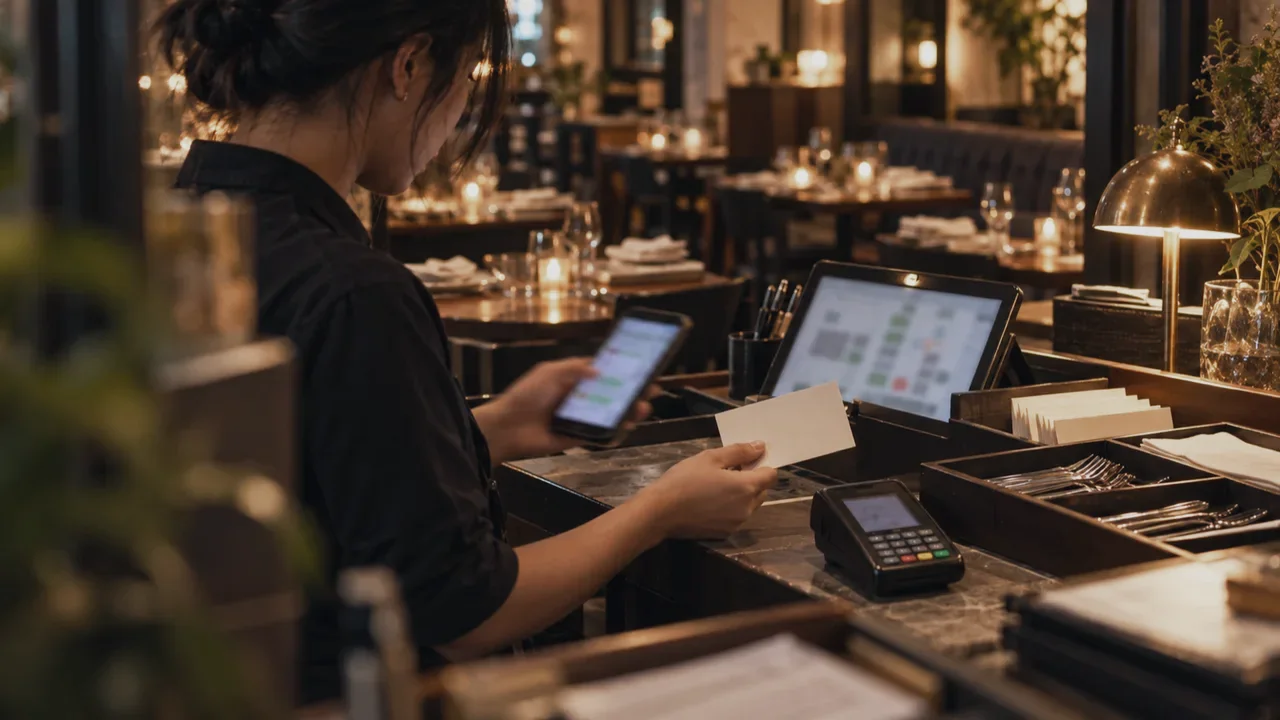
Treat the deposit as a state change, not an attachment. The reservation moves through requested, offered, held, payment pending, confirmed, changed, cancelled or expired. Every outgoing message should reflect the actual state; “confirmed” belongs only after both the table hold and successful payment are present.
A good hold has an expiry, and expiry releases the table automatically. A late payment does not silently recreate availability: it goes to a host if the original table has been taken. Refunds and deposit transfers also need explicit rules. The agent can prepare the case, but a person should decide anything outside the published policy.
Do not automate by forwarding every payment notification into a group chat. Link the payment reference to the reservation reference, let the system reconcile the status, and show staff only the exceptions. That removes copying while preserving the judgement a host or manager actually needs to make.
What does a restaurant reservation example look like?
This illustrative example is a workflow, not a Biks client result.
A guest asks on WhatsApp for Friday dinner with their family and mentions a wheelchair. The agent gathers the missing party details, checks the live table book and offers suitable times with accessible seating. After the guest chooses, the table is held and the chat states the deposit terms before presenting a secure link.
The guest pays on the hosted payment page. The payment provider reports success against the same reservation reference; the workflow checks the hold again, writes the confirmed reservation and sends one summary. The accessibility note is visible to the host because it affects seating, while unrelated chat text is not copied into the table book.
If payment arrives after the hold expires, the agent does not promise the table. It checks availability again and, if the original seating is gone, presents the evidence to a host. This is the difference between automating messages and automating a reservation safely.
When should a restaurant hand over to a person?
| Situation | Why automation should stop | What the host needs |
|---|---|---|
| Large party or private event | Layout, menu, minimum spend and timing need negotiation. | Requested date, party details, preferences and the full conversation. |
| Allergy or safety question | The answer may depend on the kitchen and current preparation controls. | The exact question and a clear owner for the reply. |
| Accessibility request | Seating and arrival arrangements can require judgement. | Guest needs, available options and any affected table constraints. |
| Deposit mismatch or dispute | Money moved, but the expected status, reference or amount does not match. | Provider status, reservation reference and policy. |
| No inventory match | Combining or moving tables can affect the floor plan. | Nearby options and the current table map. |
| Cancellation outside policy | A refund or credit is a business decision. | Payment evidence, timing, policy and prior messages. |
What privacy checks apply in Singapore?
A reservation usually contains personal data: a name, phone number, dining preferences and sometimes accessibility or dietary information. Tell guests what the restaurant needs for the booking, who receives it and how they can ask about or correct it.
Collect only what the reservation needs. Keep payment details on the payment provider’s hosted page; pass the table book only the operational fields it needs, never the entire WhatsApp transcript. Set access by role, keep an activity trail, define retention for expired holds and past reservations, and document what happens if the agent, booking connection or payment connection fails.
Separate transactional booking messages from promotions. A guest agreeing to a reservation reminder is not the same as agreeing to future marketing. Build those choices and records separately, then review the broader checklist in PDPA and AI Chatbots: 8 Checks Before You Go Live.
How do you launch without interrupting service?
- 1. Pick one reservation lane: Start with ordinary dining reservations at one venue; keep events and special menus with staff.
- 2. Clean the table inventory: Make every booking channel update the same availability before adding automation.
- 3. Write the policy as rules: Document service times, durations, holds, deposits, cancellations, seating constraints and handoff triggers.
- 4. Connect payment status: Match the provider’s successful payment event to the reservation reference; never use a screenshot as the final system signal.
- 5. Test failures first: Run simultaneous requests, expired holds, late payments, duplicate callbacks, payment mismatches, changes and unavailable connections.
- 6. Shadow the host team: Let staff compare suggested actions with the real table book before the workflow writes confirmations.
- 7. Measure completed reservations: Track paid confirmations, abandoned holds, handoff reasons, duplicate attempts, change requests and no-shows, not chat volume.
The real comparison is a host repeatedly copying the same fields, checking two systems and chasing deposits versus a host reviewing only exceptions and guests who need judgement. Hiring another reservations coordinator increases coverage; a connected workflow removes repeated coordination from every reservation.
Budget for messaging as an operating cost, not as a one-off setup detail. As of October 2026, Meta’s WhatsApp Business Platform pricing page says businesses are charged for delivered messages and that rates vary by the recipient’s market and message category. Review the current rate card against the number and type of reminders, changes and service replies in your pilot.
For the wider operating model, see how Biks builds customer operations on WhatsApp. The first prototype should prove that one request becomes one paid, visible reservation under the restaurant’s real rules before anything else is added.
Sources
- Meta: WhatsApp Business Platform official API collections
- WhatsApp for Business: WhatsApp Business Platform pricing
- Google for Developers: Create events with the Google Calendar API
- Stripe: Payment Links for Singapore
- Midtrans: Payment Link API overview
- JDIH Kementerian Komunikasi dan Digital: Undang-Undang Nomor 27 Tahun 2022 tentang Pelindungan Data Pribadi
Common questions
- Can a restaurant automate WhatsApp reservations and deposits?
- Yes. A restaurant can collect the date, service, party size and seating needs in WhatsApp, check live table inventory, hold a table, send a secure deposit link and confirm only after the payment provider reports success. Exceptions should go to a host.
- When should a WhatsApp restaurant reservation be confirmed?
- Confirm only after the selected table is still held and the payment provider reports a successful deposit against the same reservation reference. A guest message, payment screenshot or sent payment link is not sufficient proof.
- How do restaurants prevent double bookings on WhatsApp?
- Make every channel update one live table inventory, recheck availability before writing the reservation, use one idempotent reservation reference and send confirmation only after the table-book write succeeds.
- What restaurant reservation requests need a person?
- Hand over large parties, private events, allergy or safety questions, accessibility arrangements, unavailable table combinations, payment mismatches, deposit disputes and cancellation exceptions. Give the host the chat, current inventory, payment status and policy.
- What customer data should a restaurant booking agent collect?
- Collect only what is needed to manage the reservation, such as name, contact, date, service, party size and relevant seating needs. Keep card details on the payment provider’s page, restrict access and set retention rules for booking data.