Automate WhatsApp Orders for F&B: 7 Safe Steps
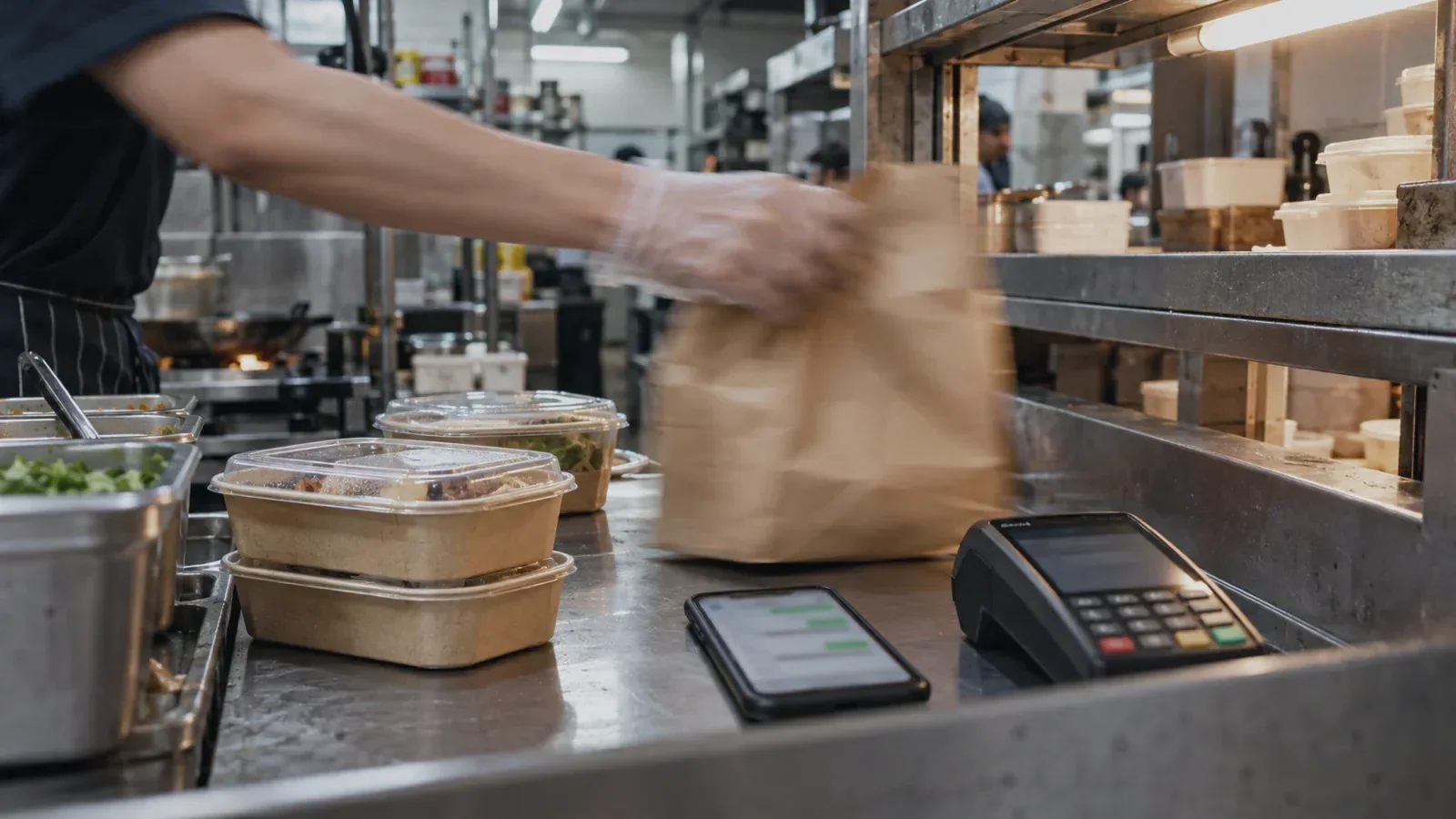
To automate WhatsApp orders for an F&B business, connect the conversation to one live menu, one order record, payment status and fulfilment, then stop for a person whenever stock, money or delivery evidence is unclear. Aim for one correctly confirmed order without staff retyping the chat. Reply speed comes second.
The matching proof is Rosalie: WhatsApp Order Automation, Replies Under 30 Seconds. Its agent answers product questions, takes orders, confirms payment and books delivery while people approve exceptions; Rosalie reports replies under 30 seconds, two hours of admin saved each day and a doubled closing rate. Those are Rosalie’s results, not a forecast for another F&B business.
Key takeaways
- Automate the whole order: A useful workflow moves from item selection to a written order, verified payment and visible fulfilment status.
- Choose one source of truth: The agent must read the same menu, availability, price and delivery rules that staff use.
- Confirm only on system evidence: A payment screenshot, customer promise or sent link is not a successful payment event.
- Keep people at the exception points: Substitutions, allergies, unusual delivery requests, refunds and mismatched payments need judgement.
- Pilot one order lane: Start with a repeatable collection or delivery flow before catering, subscriptions or custom menus.
How do I automate WhatsApp orders for F&B?
Use this seven-step order flow. Each step changes the order state only after its required evidence is present.
| Step | What the customer sees | What the workflow does | Where a person steps in |
|---|---|---|---|
| 1. Understand the request | The agent asks whether this is collection, delivery or another supported order type. | It identifies intent and opens one draft order linked to the conversation. | Ambiguous requests or unsupported jobs go to staff. |
| 2. Build the basket | The customer sees available items, variants, add-ons and required choices. | It reads the live menu and validates each selection against availability and order rules. | Staff decide on unlisted items, large orders and special preparation. |
| 3. Validate fulfilment | The customer provides the operational details needed for collection or delivery. | It checks outlet, service area, opening rules, lead time and required contact fields. | Out-of-area, urgent or operationally unusual requests pause. |
| 4. Price once | The customer receives an itemised total and the applicable fulfilment terms. | It calculates from approved prices, fees, discounts and tax rules, then freezes that quoted basket. | Unapproved discounts, conflicting promos and price overrides need approval. |
| 5. Request payment | The customer gets the business’s approved payment path and order reference. | It links the payment request to the same draft order without asking for sensitive payment credentials in chat. | Alternative terms, deposits or manual payment methods follow policy. |
| 6. Verify and confirm | The customer receives one confirmation with the order summary and fulfilment status. | It waits for the payment provider’s status, matches the order reference and writes the confirmed order once. | Mismatched, late, duplicate or disputed payments stop for review. |
| 7. Fulfil and update | The customer gets useful preparation, collection or delivery updates. | It sends the order to the kitchen or fulfilment queue and records each status change. | Staff own substitutions, delays, failed delivery, refunds and complaints. |
What needs to be ready before you automate?
First, pick the system that owns each fact. A menu or product catalogue owns names, variants and approved prices; an availability record owns what can still be sold; an order system owns the basket and status; a payment provider owns whether money succeeded; and the fulfilment queue owns preparation, collection or delivery. If the same field lives in several spreadsheets and chat notes, automation will only move the disagreement faster.
Second, write a small order-state model that staff can understand: draft, awaiting customer detail, awaiting payment, confirmed, in fulfilment, completed, cancelled or exception. Every transition needs evidence and an owner. The agent may prepare the next action, but it must not invent missing evidence or silently skip a state.
Third, make the sellable rules explicit: service area, outlet hours, cut-off rules, minimum order logic, modifiers, unavailable items, substitution policy, tax treatment, delivery fees, cancellation rules and which cases require approval. These rules are the operating design; the chat copy sits on top of them.
What does an automated WhatsApp order look like?
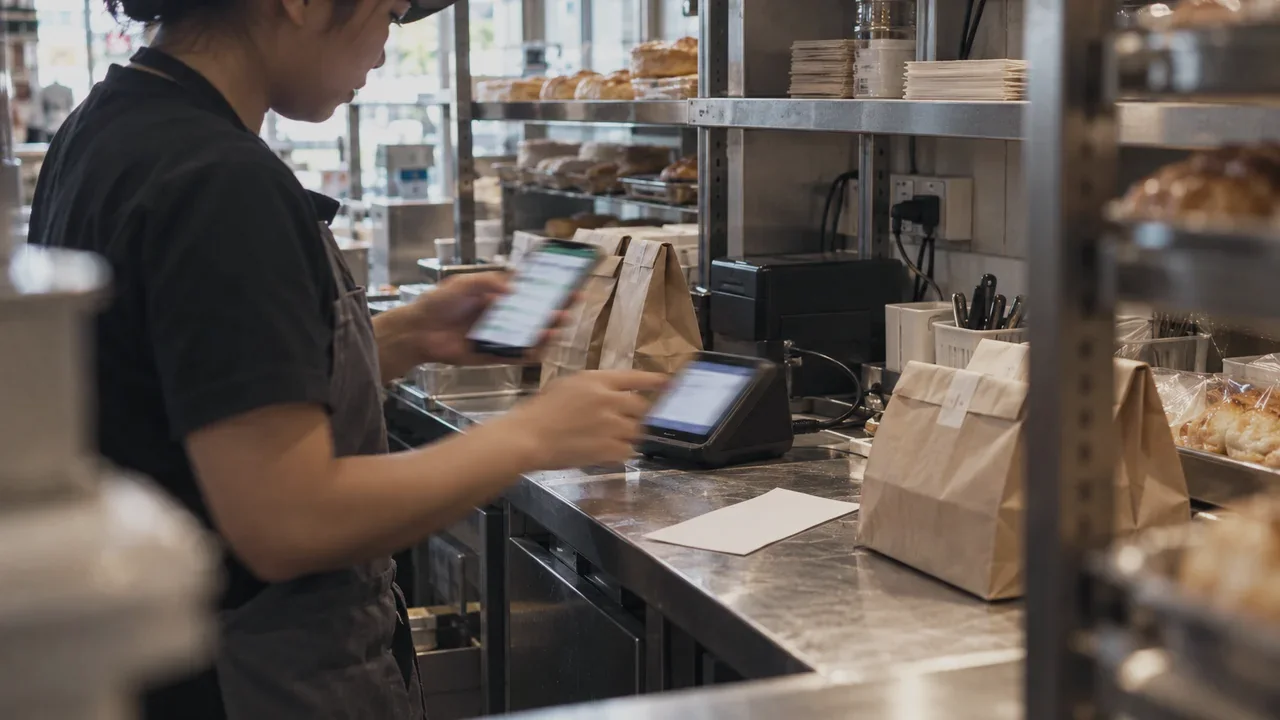
Consider an illustrative lunch-delivery request from a returning customer.
The customer asks for the “usual” lunch. The workflow does not guess. It retrieves the previous basket, shows the current items and prices, flags an unavailable side, and asks the customer to choose an approved substitute. It then validates the delivery address and service window against today’s outlet rules.
After the customer approves the basket, the workflow creates a draft order and sends the approved payment path. A screenshot arrives first, but the order remains awaiting payment. Only when the payment provider reports success against the same reference does the workflow write the confirmed order, send it to fulfilment and return a confirmation.
If the provider reports a different amount, the customer requests an allergen-sensitive substitution, or the kitchen marks an item unavailable after payment, the agent packages the basket, evidence and proposed options for a person. The staff member decides; the workflow records that decision and continues from the correct state.
WhatsApp Business app or Business Platform?
Use the Business app for a staff-run process and the Business Platform when messages must connect to a programmatic workflow. Choose by workflow complexity, not by the word “AI”.
| Decision point | WhatsApp Business app | WhatsApp Business Platform |
|---|---|---|
| Best fit | A lower order volume that staff can manage with a catalogue, quick replies, labels and manual follow-up. | Orders that must connect messages to menu, payment, order and fulfilment records. |
| Order handling | Customers can browse a catalogue and submit a cart; staff review and process it. | A connected workflow can receive and send messages, use structured interactions and update back-office systems. |
| Automation | Greeting, away message and reply shortcuts help a person work faster. | Programmatic logic can validate fields, call business systems, wait for events and route exceptions. |
| Human control | A person operates the conversation and updates records. | A person owns defined approvals, handoffs and exception queues. |
| Setup | Configure the business profile, catalogue, replies and team process. | Connect an approved business number, messages, webhooks, business systems, policies, monitoring and support. |
Meta’s official Platform page describes approved templates, automated flows, interactive calls to action, dynamic product lists, order confirmations and shipment updates. Meta’s official API collection says messages have unique IDs and their status can be tracked through webhooks. Those are useful building blocks, but they do not decide your stock, payment or refund policy for you.
If staff can already keep up and the main problem is typing repeated answers, improve the Business app process first. Move to the Platform when the costly work is copying order data, checking several records, chasing payment, coordinating fulfilment or losing the audit trail between people.
Where should a person approve the order?
| Exception | Why automation should pause | What the reviewer needs |
|---|---|---|
| Allergy or safety question | A wrong answer can affect a customer’s health. | Approved ingredient information, kitchen guidance and the exact customer request. |
| Payment mismatch | The expected amount, reference or provider status does not agree. | Order total, provider event, reference and prior payment attempts. |
| Stock changed after quote | The confirmed basket can no longer be fulfilled as promised. | Available substitutes, price difference and customer preference. |
| Refund or cancellation | Money movement and policy exceptions need authority. | Payment evidence, fulfilment status, policy and conversation history. |
| Unusual delivery request | The request falls outside the standard service rules. | Address, timing, courier constraints and alternatives. |
Meta’s Business Messaging Policy permits automation during its customer-service window but requires a prompt, clear and direct escalation path. Design the handoff as part of the order flow: tell the customer that a person is reviewing it, assign the case, include the evidence and prevent the automated path from sending a conflicting confirmation.
What privacy checks apply to Singapore F&B orders?
A WhatsApp order can contain a name, phone number, delivery address, order history and dietary information. Treat the workflow as a personal-data process from collection through deletion, and include it in the business’s Singapore privacy review before launch.
Tell customers what data the order needs and why; collect only the fields required for the job; restrict staff access by role; keep operational records accurate; set retention rules for chat exports and completed orders; document every external recipient; and give customers a clear route for questions or corrections. Keep sensitive payment credentials out of the chat.
Separate order servicing from promotions. Treat promotional messages as a separate consent and template-policy decision; a customer placing an order should not silently become a marketing subscriber.
How do you launch and measure the workflow?
- 1. Choose one lane: Start with one outlet, one menu and one fulfilment method whose rules are already stable.
- 2. Replay real exceptions: Use anonymised past chats to test vague items, stock changes, address gaps, payment mismatches, duplicates and cancellations.
- 3. Run in shadow mode: Let staff compare proposed actions with the real order and payment records before automated writes are allowed.
- 4. Limit write access: Open each action only after its tests pass, with an activity trail and a fast manual fallback.
- 5. Measure completed orders: Track valid confirmations, wrong actions, abandoned baskets, handoff reasons, fulfilment errors, rework and staff time, not message volume.
Compare three operating models fairly. Manual chat is flexible but makes staff copy and reconcile every order. Hiring another admin adds human capacity and judgement but also adds the same repetitive coordination. A connected workflow handles the repeatable path continuously while the existing team owns food safety, commercial judgement and exceptions.
Budget for the complete operation: onboarding, workflow design, integrations, testing, monitoring, maintenance, WhatsApp messages and the staff time that remains. As of October 2026, Meta’s pricing page says WhatsApp Business Platform charges are based on delivered messages, recipient market and message category. Check the current rate card against the actual mix of order, payment and update messages in the pilot; a low headline rate does not repair an inefficient conversation.
The first success criterion is deliberately narrow: one customer request becomes one accurate, paid and visible order without retyping. Once that loop is reliable, extend it carefully. See how Biks approaches customer operations on WhatsApp.
Sources
- WhatsApp for Business: WhatsApp Business Platform
- WhatsApp for Business: WhatsApp Business Messaging Policy
- WhatsApp for Business: WhatsApp Business Platform Pricing
- Meta: Messages — WhatsApp Business Platform
- JDIH Kementerian Komunikasi dan Digital: Undang-Undang Nomor 27 Tahun 2022 tentang Pelindungan Data Pribadi
Common questions
- How do I automate WhatsApp orders for my F&B business?
- Connect WhatsApp to one live menu, a structured order record, payment status and the fulfilment queue. Let the workflow collect and validate each required field, then confirm only after the order and payment records agree; route stock, safety, refund and delivery exceptions to a person.
- Do I need the WhatsApp Business Platform to automate F&B orders?
- Use the WhatsApp Business app when staff can manage the volume with a catalogue, quick replies, labels and manual processing. Use the Business Platform when messages must trigger programmatic checks and updates across menu, payment, order and fulfilment systems.
- Can a WhatsApp AI agent confirm customer payments?
- It can confirm payment only when the payment provider reports a successful event that matches the same order reference and expected amount. A screenshot, customer message or sent payment link is not enough evidence; mismatches and disputes should go to a person.
- What should stay manual in WhatsApp food ordering?
- People should retain decisions involving allergies and food safety, unusual substitutions, discounts outside policy, mismatched or disputed payments, refunds, cancellations, urgent fulfilment changes and delivery requests outside standard rules.
- How should a Singapore F&B business protect order data?
- Treat the order flow as a personal-data process from collection through deletion. Explain what data is needed and why, collect only necessary fields, restrict access by role, keep records accurate, set retention rules, document recipients, and provide a route for questions or corrections.